Hold up the barcode
Point the camera at the ISBN barcode on the back cover. There is nothing to type in.
Available on Android
Add books by barcode or title search. See at a glance what you have read and what is still on the pile.

The iOS version is in preparation
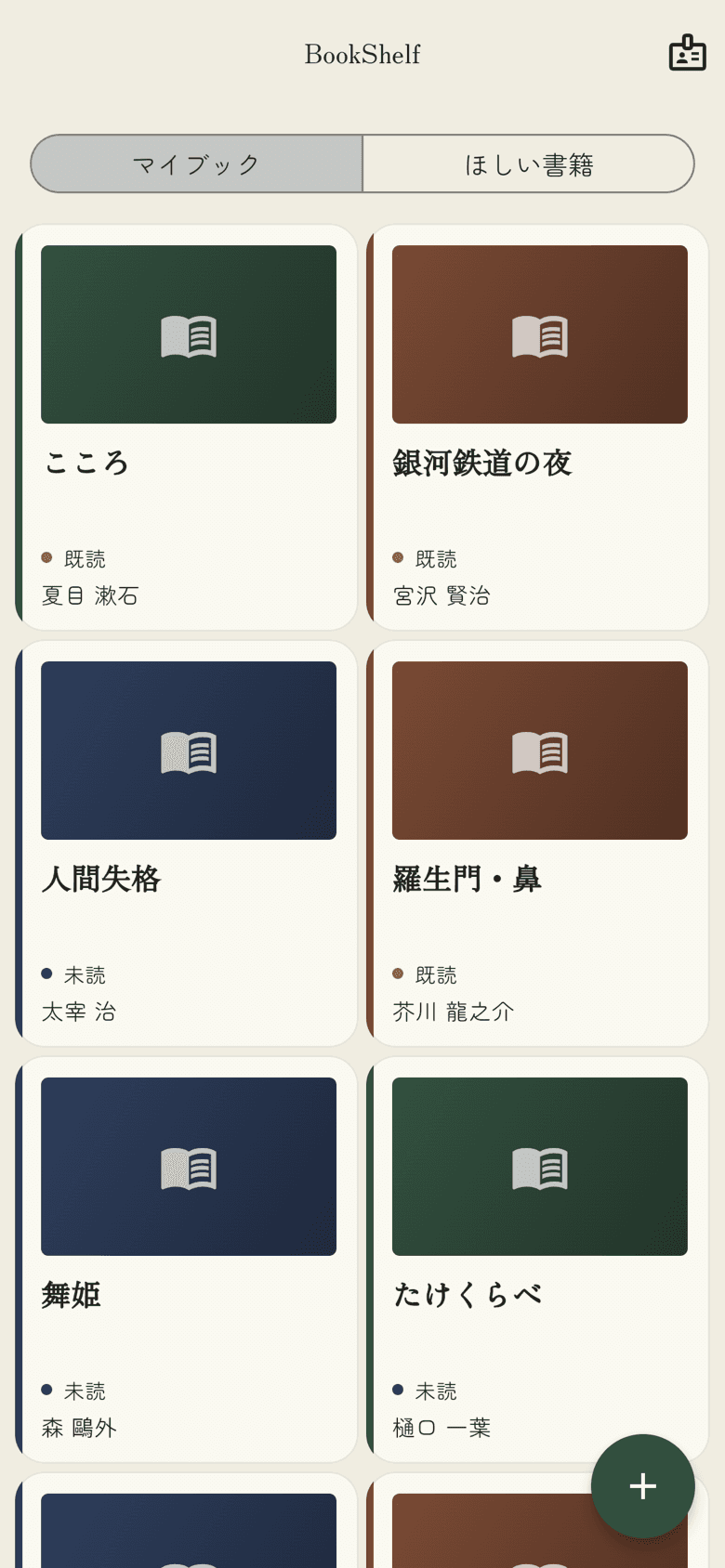
There is nothing to learn. Just read the barcode on the back cover.
Point the camera at the ISBN barcode on the back cover. There is nothing to type in.
The title, author and cover are shown. Choose Add if it is right, or close the dialog if it is not.
The book joins My Books. For books without a barcode, a title search works just as well.
Only the features a bookshelf needs.
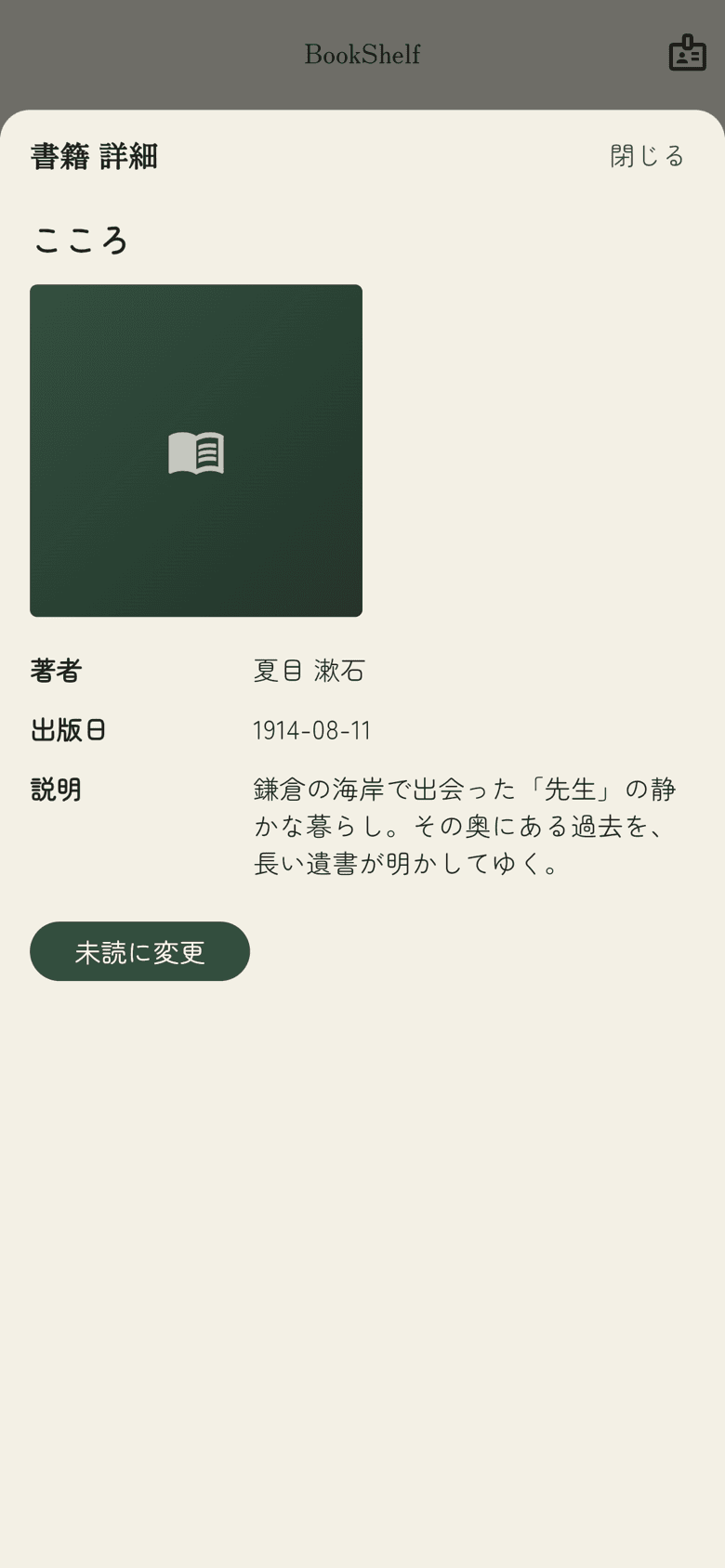
Every book in My Books can be marked Read or Unread, so finished books and the pile you are still working through are easy to tell apart.
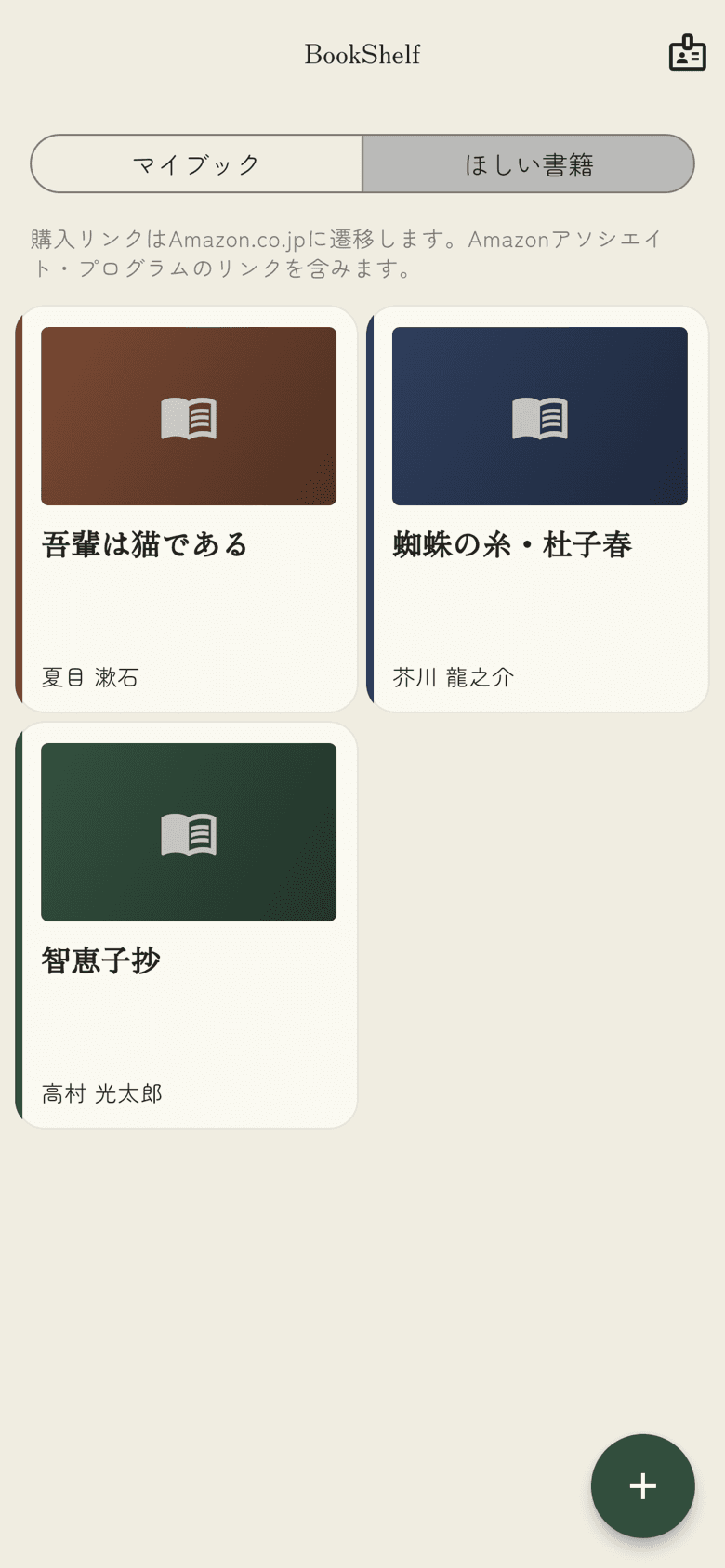
Books you do not own yet go to the Wishlist, and the detail view opens the matching page on Amazon.co.jp. Purchase links include Amazon Associates affiliate links.
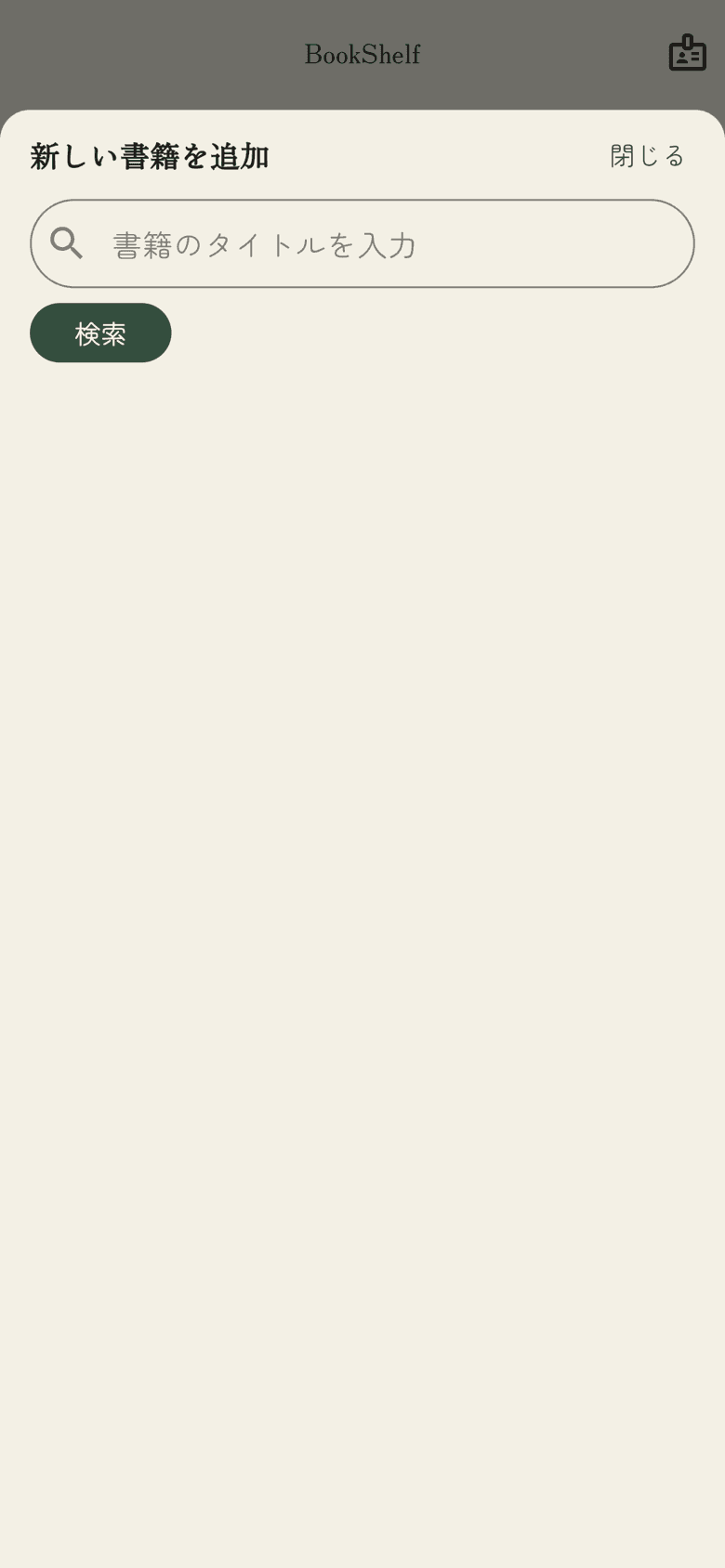
Books without a barcode, and books you do not have to hand, can be added with a title search. If you try to add the same book twice, the app tells you it is already there.
Your books normally live on this device alone. Create a reader’s card and a copy is kept in the cloud, ready to be read back on another device.
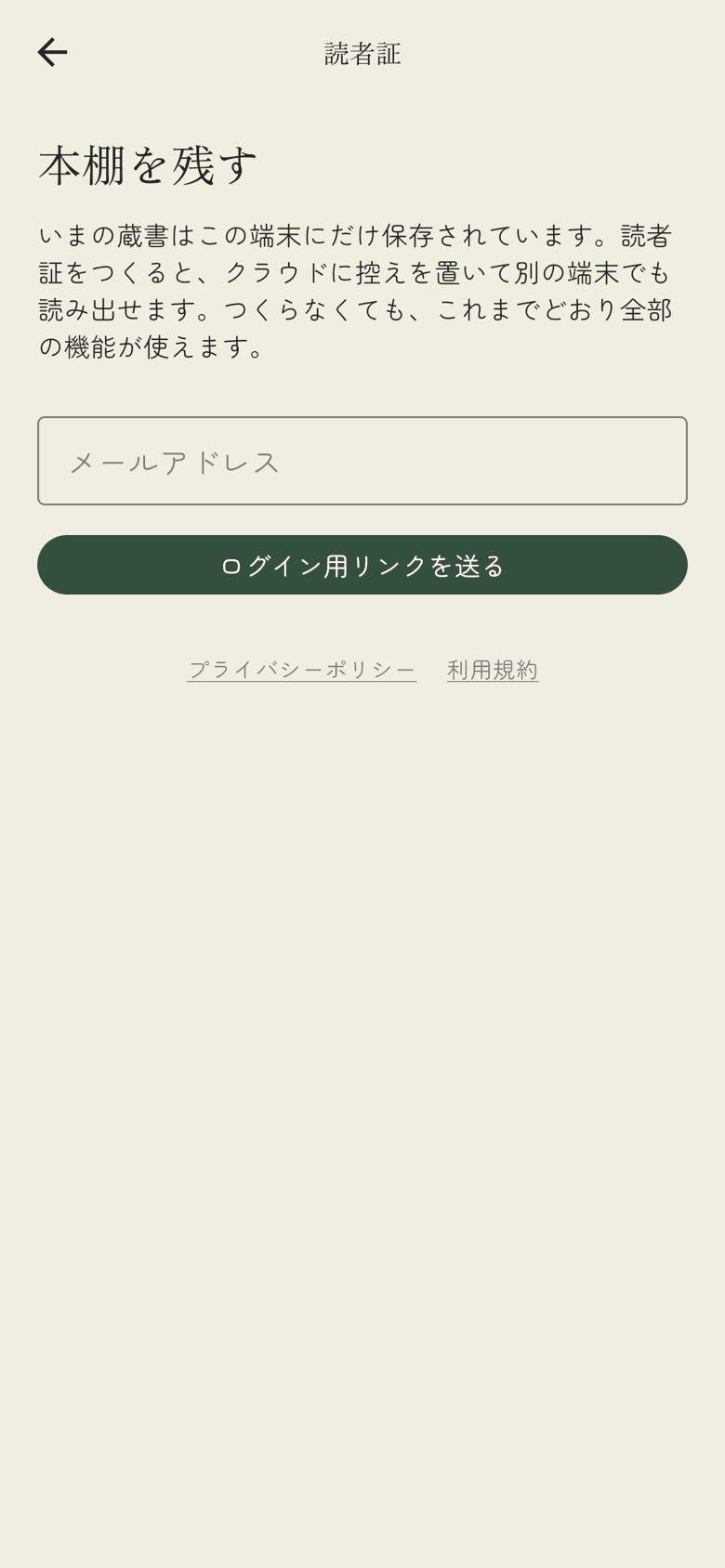
Every bookshelf feature works without a reader’s card. You can decide later whether you want one.